Free vs. Basic vs. Complete: Which Auto Join Meetings Plan Is Right for You?
Auto Join Meetings has three tiers: Free covers the core automation for anyone with a light meeting schedule, Basic removes the daily limit and unlocks auto-click, and Complete adds the full Workflow Engine for teams that want meetings to trigger actions elsewhere. Here's exactly what each includes, so you can decide without guessing.
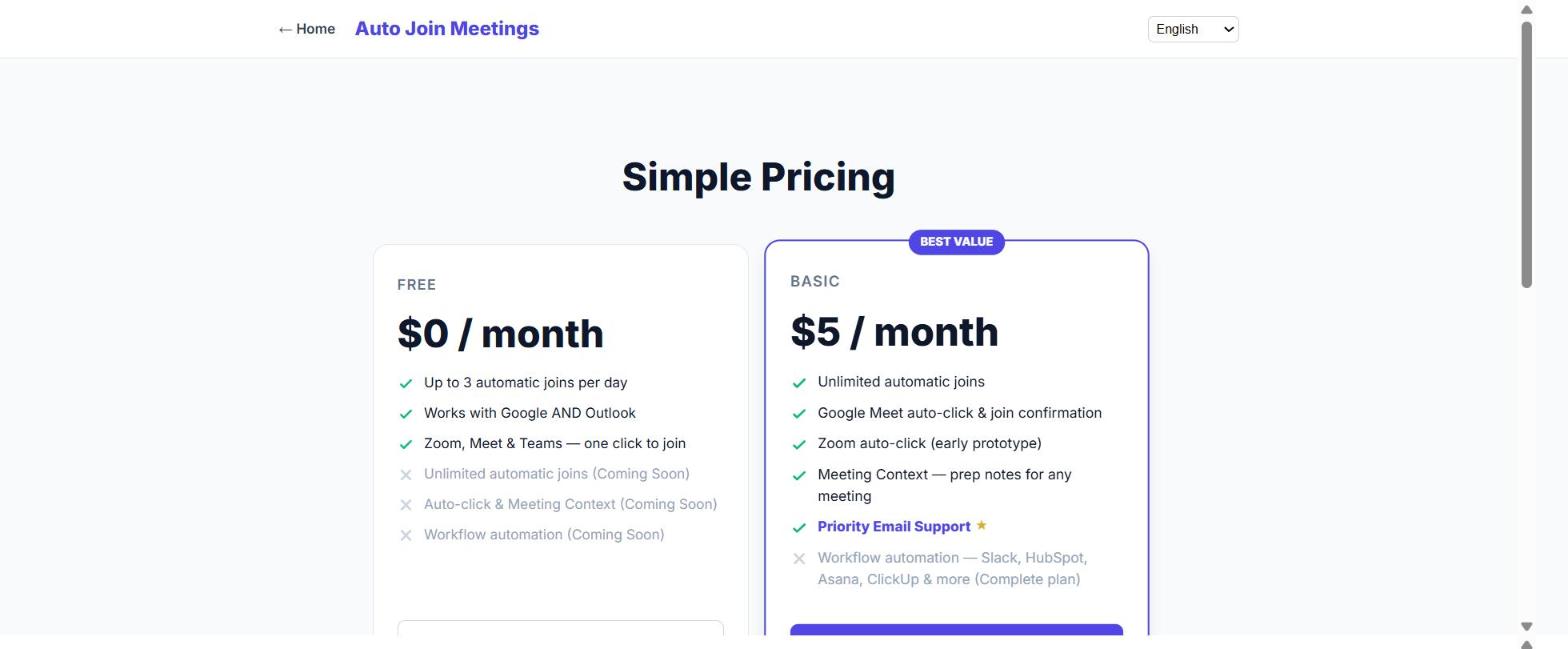
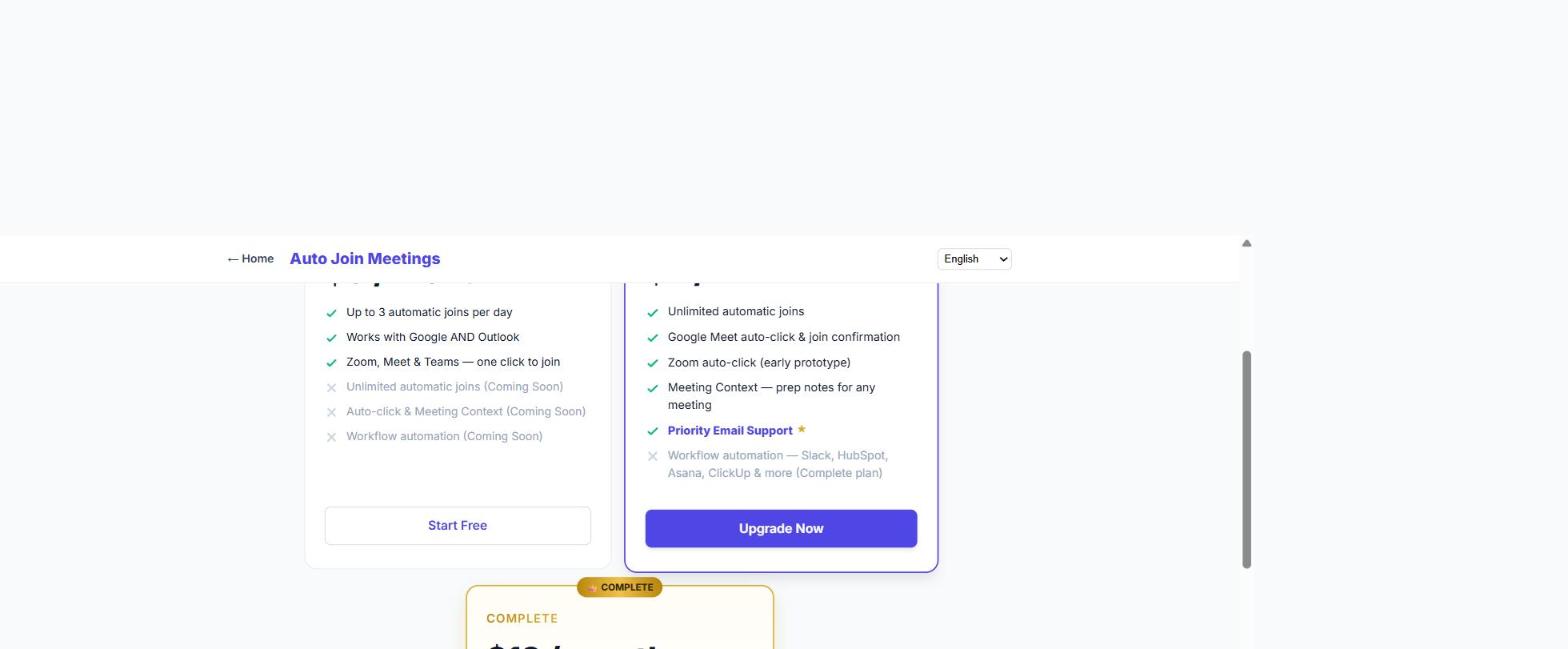
The Free and Basic plan cards on the pricing page.
What's included in Free
The Free plan gives you the full core feature: connect Google Calendar and/or Outlook, and Auto Join Meetings will detect meeting links and open the tab automatically a few minutes before each one starts — for Google Meet, Zoom, or Microsoft Teams. The only limit is volume: up to 3 automatic joins per day.
What Basic adds ($5/month)
Basic includes everything in Free, plus:
- Unlimited automatic joins — no daily cap.
- Google Meet auto-click — the extension clicks "Join now" for you and confirms you're in, so Google Meet becomes fully hands-free.
- Zoom auto-click (early prototype) — our in-progress work on automatic click-to-join for Zoom. It has a full, tested detection flow, but we haven't marked it fully supported yet — it still needs more live validation across real Zoom meetings before that label comes off.
- Meeting Context — attach one prep link or local file to a specific meeting, with a reminder to open it a few minutes beforehand.
- Priority email support — your support requests get answered first.
What Complete adds ($12/month)
Complete includes everything in Basic, plus the full Workflow Engine — the ability to trigger actions in other tools automatically when a meeting happens:
- Six integrations — Slack, HubSpot, Salesforce, Microsoft To Do, Asana, and ClickUp.
- Multi-step workflows — chain several actions off a single meeting event instead of just one.
- Full integrations dashboard — every connection's status in one place, instead of checking each tool separately.
- Early access to new integrations as we add them.
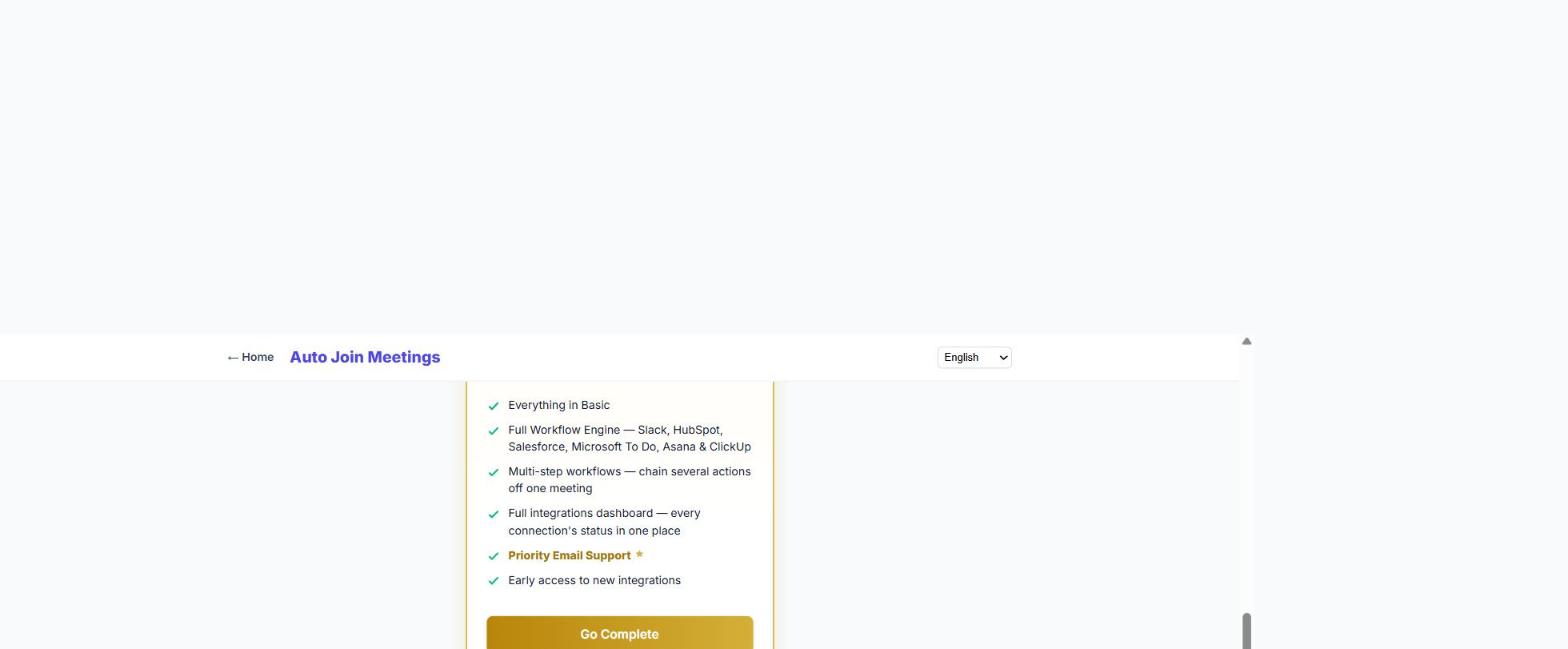
The Complete plan card, including the full Workflow Engine feature list.
Side-by-side comparison
| Feature | Free | Basic ($5/mo) | Complete ($12/mo) |
|---|---|---|---|
| Automatic tab-opening (Meet, Zoom, Teams) | Up to 3/day | Unlimited | Unlimited |
| Google Meet auto-click "Join now" | — | ✓ | ✓ |
| Zoom auto-click (early prototype) | — | ✓ | ✓ |
| Meeting Context (prep reminders) | — | ✓ | ✓ |
| Priority email support | — | ✓ | ✓ |
| Workflow Engine (Slack, HubSpot, Salesforce, Microsoft To Do, Asana, ClickUp) | — | — | ✓ |
| Multi-step workflows + full integrations dashboard | — | — | ✓ |
| Connects Google Calendar + Outlook | ✓ | ✓ | ✓ |
How to decide
If you have one or two meetings a day and mostly use Google Meet, Free may cover you comfortably. If you regularly hit the 3-join cap, want Google Meet to be completely hands-free, or want a prep reminder attached to specific meetings, Basic pays for itself quickly at $5/month. If your team also wants meetings to automatically create a Slack message, a CRM task, or a to-do — without anyone doing it by hand — Complete is the one that actually does that. If you purchased Auto Join Meetings through AppSumo, see our AppSumo redemption guide instead — lifetime access maps to Basic, not Complete, and works differently from the monthly plans.
Switching later
You're not locked in either direction — upgrade from the pricing page whenever your meeting load changes, and downgrade just as easily if it doesn't. Full billing details are in the Free, Basic, Complete, AppSumo, and login issues help article.
Start free. Upgrade the moment you need more.
Install Auto Join Meetings — FreeRelated: The full 2026 setup guide · What is Meeting Context? · Redeeming your AppSumo deal · Billing & account help